Universal TV Remote
Wi-Fi Smart TV Control App. Lost the remote again? Your iPhone is now a clean, fast TV remote. Connect over Wi-Fi in seconds and control your smart TV from anywhere in your home.

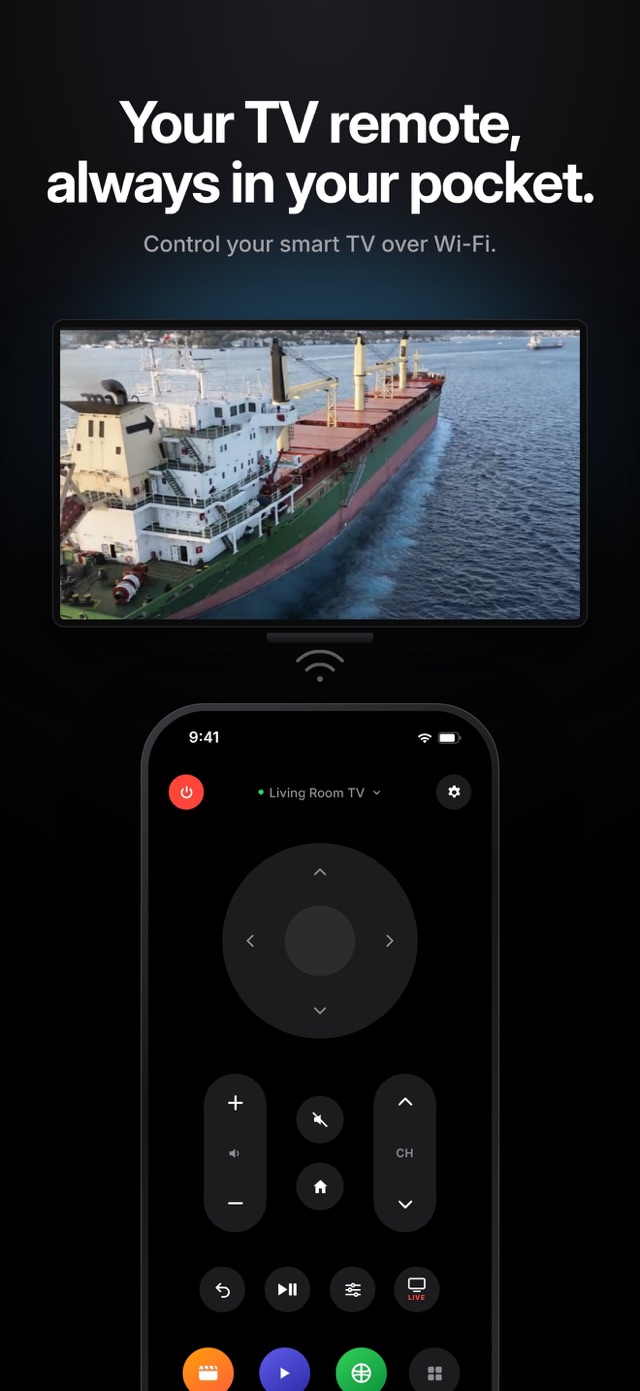
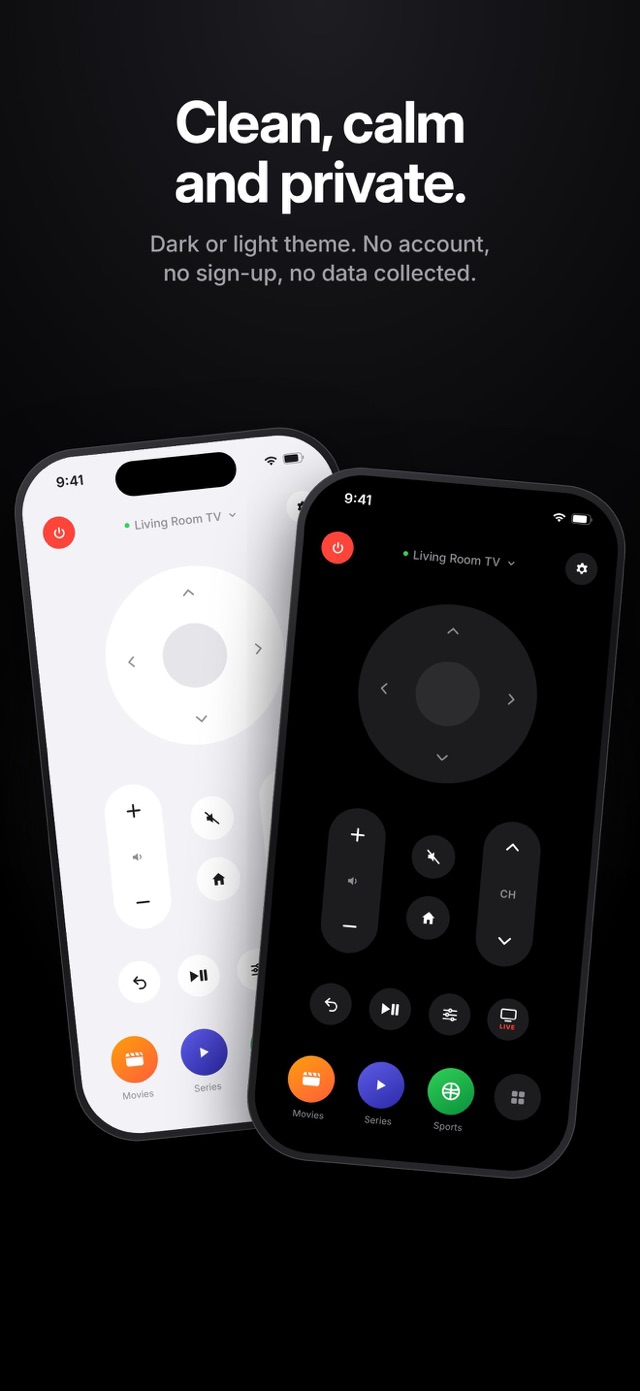
Relayo Remote turns your iPhone into a simple, beautiful remote for your smart TV. Open the app, pick your TV, and you're in control in seconds. No clutter, no confusing menus, no setup headaches.
WORKS WITH
- Google TV and Android TV
- LG smart TVs with webOS
- Samsung smart TVs with Tizen
Your phone and TV just need to be on the same Wi-Fi network. No extra hardware, no infrared needed.
MADE FOR EVERYDAY LIFE
- Remote lost in the sofa again? Your phone is always within reach.
- Batteries dead or remote broken? Keep watching without a trip to the store.
- Want a second remote? Everyone at home can use their own phone.
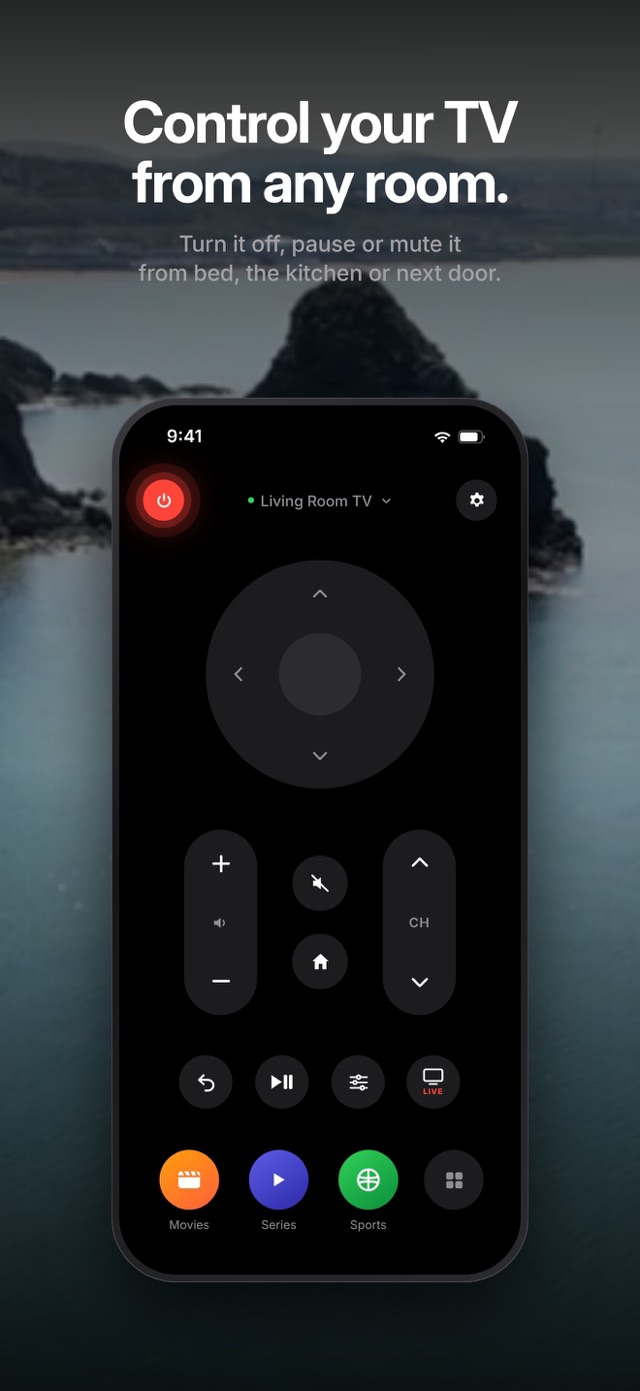
- Kids still watching when it's time for bed or homework? Turn the TV off or lower the volume from another room.
- Fell asleep in front of the TV? Switch it off from bed.
- Cooking or working in another room? Pause, mute or change the volume without walking over.
Because it works over Wi-Fi, you don't even need to point your phone at the TV.
EVERYTHING YOU NEED, NOTHING YOU DON'T
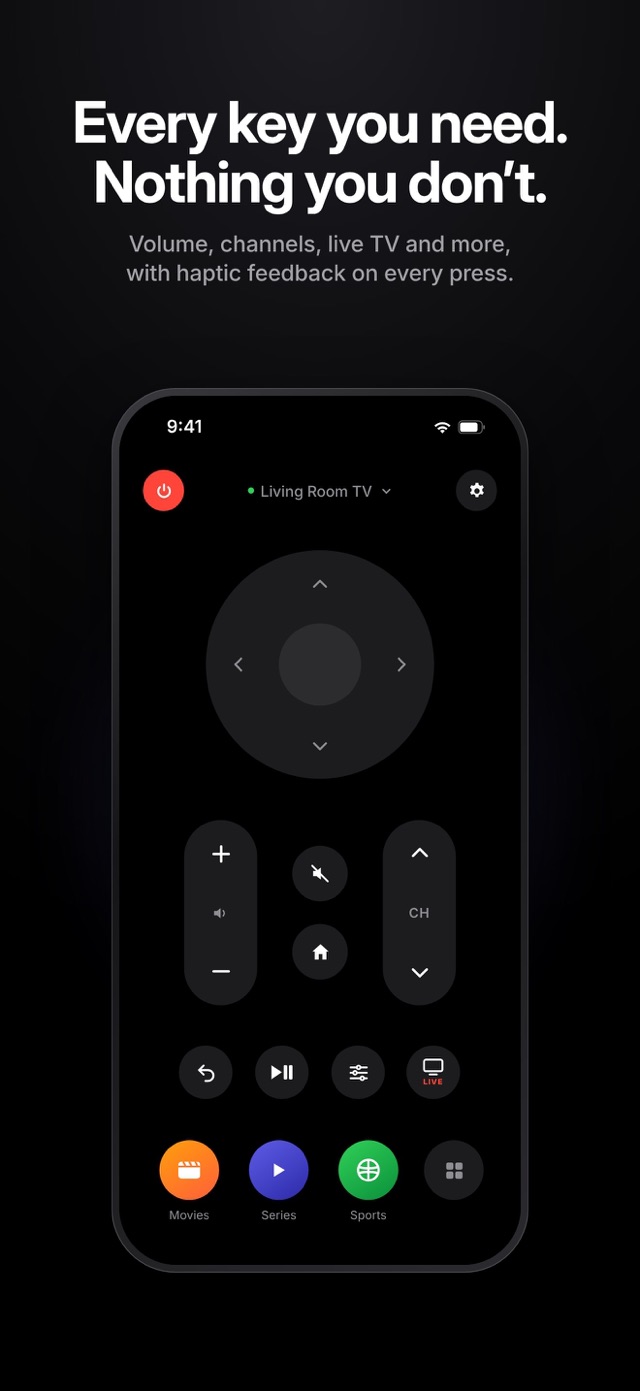
- Smooth directional pad with a large OK button
- Volume up and down, channel up and down
- Power, mute, home and back
- Play/pause for movies, series and videos
- Quick access to your TV's settings menu
- Live TV button to jump straight back to broadcast
- Hold any arrow, volume or channel key to repeat
- Gentle haptic feedback on every press, so it feels like a real remote
YOUR APPS, ONE TAP AWAY
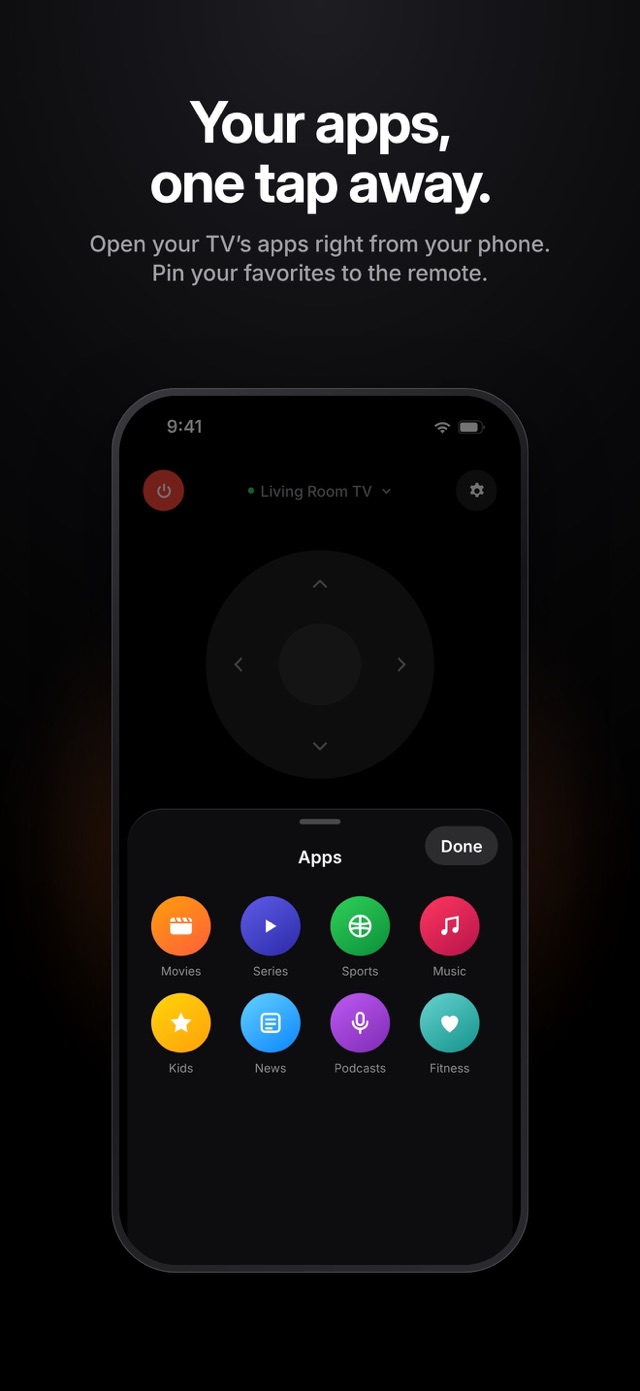
Open the apps installed on your TV right from your phone. Pin your three favorites to the remote screen and reach all the others from the app list. No more scrolling through the TV's home screen.
CONNECTS AUTOMATICALLY
Pair once and you're done. Every time you open Relayo Remote it reconnects to your last TV and takes you straight to the remote. Pairing is quick: confirm a short code or tap "Allow" on your TV.
MORE THAN ONE TV?
Living room, bedroom, kids' room: add as many TVs as you like, switch between them in a tap and give each one its own name, so you always know which one you are controlling.
A CLEAN, CALM DESIGN
- A minimal interface inspired by the remotes you already know
- Dark and light themes, or follow your system setting
- Large, easy-to-hit buttons for all ages
- Available in 40 languages
PRIVATE BY DESIGN
Relayo Remote talks to your TV directly over your home network. There is no account, no sign-up and no personal data collected. Your commands go from your phone to your TV and nowhere else.
HOW TO START
- Make sure your phone and TV are on the same Wi-Fi network.
- Open Relayo Remote and choose your TV from the list.
- Confirm the code or tap "Allow" on your TV. That's it.
HELPFUL TIPS
- If your TV doesn't appear, check that it is turned on and connected to the same Wi-Fi network as your phone.
- Turning the TV on over Wi-Fi works only when your TV keeps its network active in standby. Look for a setting such as "Network standby" or "Turn on with mobile" in your TV's settings.
- Something not working? Use "Report a Problem" in the app's settings and we'll get back to you.
Relayo Remote is an independent app and is not affiliated with Google, LG or Samsung. All trademarks belong to their respective owners.
Guides