TV remote app not connecting? Here's how to fix it
Most connection problems between a phone and a smart TV come down to the network, a permission or the TV's standby mode. Go through these checks in order; one of them almost always solves it.

Quick checks
- Make sure the TV is fully on, not in standby, and showing a picture.
- Connect your iPhone and the TV to the same Wi-Fi network. Avoid guest networks and turn off any VPN on the phone.
- Allow local network access: on iPhone open Settings > Privacy & Security > Local Network and turn on Relayo Remote.
- Restart the TV by unplugging it for about 30 seconds, then open the app again and select your TV.
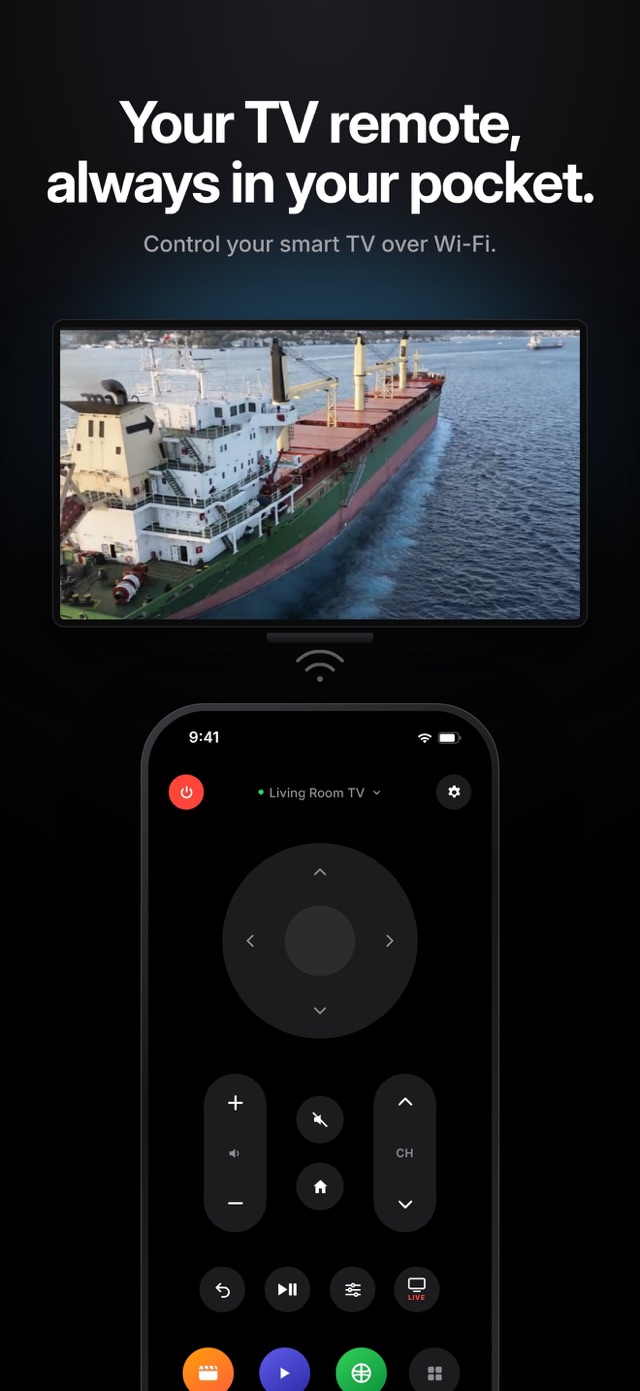
The TV shows up but won't respond
Open the app and select the TV again to reconnect. If you previously denied the connection on the TV, allow it again in the TV's settings (on Samsung under External Device Manager > Device Connection Manager).
The TV turns off but won't turn back on
When a TV is switched off it often turns off its Wi-Fi too. Turning it on over Wi-Fi only works if the TV keeps its network active in standby; look for options such as "Power On with Mobile", "Turn on via Wi-Fi" or "Network standby". After a long time in standby, some TVs go into deep sleep and must be woken with the TV button or a physical remote.
Mesh Wi-Fi and dual-band routers
Some mesh systems and routers isolate devices or separate 2.4 GHz and 5 GHz networks. If the TV can't be found, connect both devices to the same band or turn off device isolation in your router.
Frequently asked questions
Why does the app need local network access?
The app talks to your TV directly on your home network, and iOS asks for permission before an app can find devices there. Nothing leaves your network.
Which TVs are supported?
Samsung Tizen, LG webOS, and Google TV or Android TV models from Sony, TCL, Philips, Hisense and others, plus Chromecast with Google TV.
Still not working?
In Relayo Remote, open Settings and tap Report a Problem, or write to support@relayo.tv with your TV brand and model.