Use your iPhone as a TCL TV remote
Many TCL TVs run Google TV or Android TV, and those can be controlled from your iPhone over Wi-Fi. Relayo Remote pairs with your TCL TV in seconds and keeps a calm, simple remote in your pocket.

How to control a TCL TV with your iPhone
- Turn on your TCL TV and connect it to the same Wi-Fi network as your iPhone.
- Open Relayo Remote and tap your TCL TV in the list.
- Type the code shown on the TV screen into the app to pair. This is a one-time step.
- Done. Relayo Remote reconnects to your TV every time you open it.
Which TCL TVs work?
TCL TVs with Google TV or Android TV. TCL TVs that run Roku TV, Fire TV or other systems are not supported. You can check your system in the TV's settings under About.
What you can do
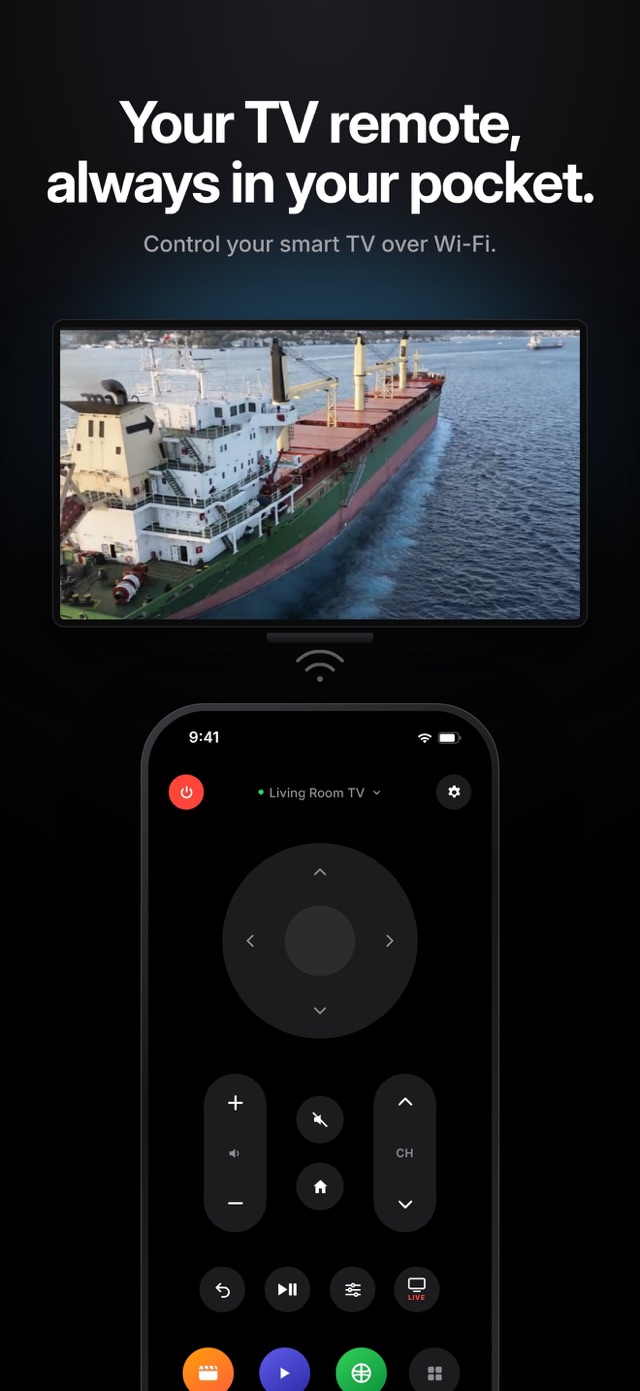
Directional pad and OK, volume and channels, mute, home and back, play and pause, the settings menu, live TV and quick access to the apps on your TV.
Turning the TV on
The power button turns the TV off from your phone. Turning it on over Wi-Fi only works while the TV keeps its network active in standby; some TCL models have an option for this in the power or network settings.
Frequently asked questions
My TCL TV isn't in the list. Why?
Check that the TV runs Google TV or Android TV and that it is on the same Wi-Fi network as your iPhone. Guest networks and VPNs can block discovery.
Is this an official TCL app?
No. Relayo Remote is an independent app and is not affiliated with TCL.
Do I need to pair every time?
No. You pair once with the code. After that the app connects automatically.